Practical photo advice for people, pairs, babies, cats and dogs. Use the exact scene reference and one photo for each identity you replace. No prompt or editing is required in the workflow.
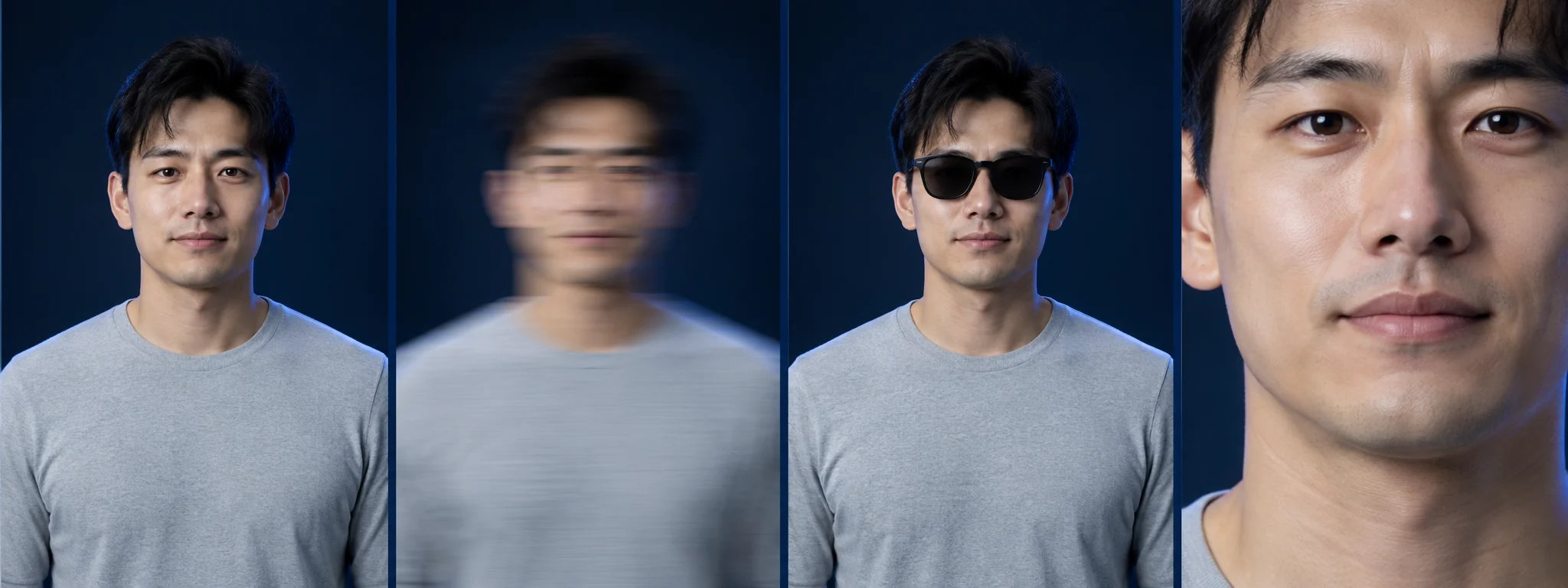
1. People: sharp faces and visible limbs
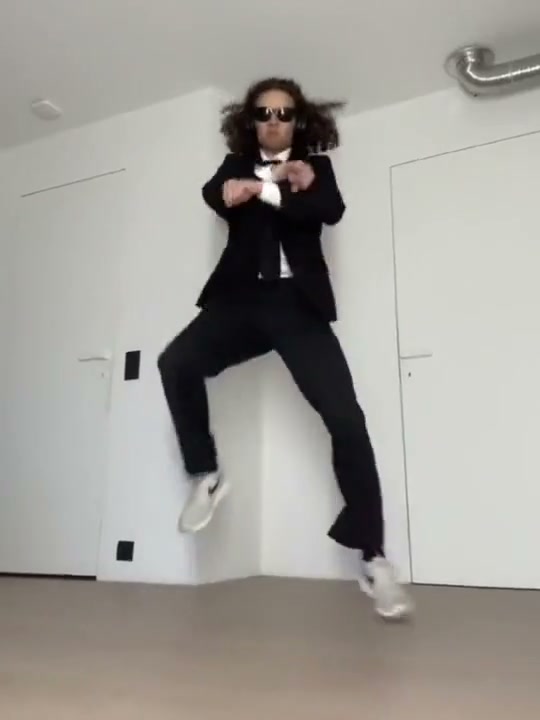
Use even light and a face that is not hidden by a hand, phone or heavy shadow. For a dance scene, keep the full body visible. Leave space around the hands and feet rather than cropping exactly at the joints.
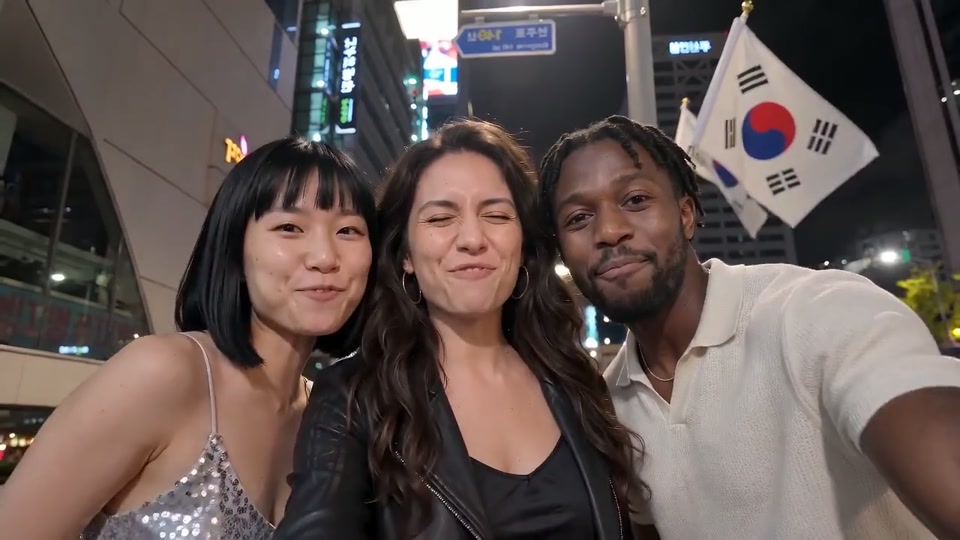
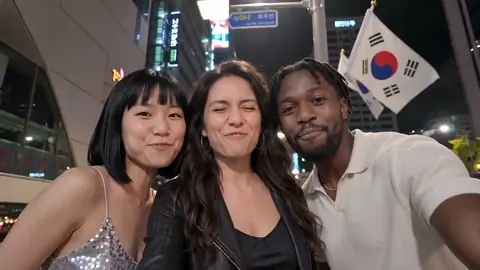
2. Duos and trios: one identity per role
Use separate images with comparable lighting and size. Assign the photo order deliberately. A crowded group photograph makes it harder to distinguish which face belongs to which role, especially when people overlap.
Choose the scene that matches the video you want.
Use this template3. Cats: ears, whiskers and coat markings
A front-facing, alert cat with visible front legs is a better source than a sleeping ball of fur. Check that neither ear is cut off and that the lighting preserves stripes or patches.
4. Dogs: preserve the muzzle and ears
A wide enough crop should include the whole muzzle and both ears. Keep toys away from the mouth. A standing or sitting image supplies more body information than a close nose selfie.
5. Babies: choose an ordinary, fully clothed image
Use an image you are allowed to use, with an unobstructed face and clear body outline. Choose a baby-specific template and review the result as a fictional animation, rather than a recording of real movement.
Before you create
How many people can I replace?
In a trio scene, add photos to the left, center and right positions. Upload one, two or three photos; positions without a photo keep the reference person. Other references show their own photo slots.
What kind of photos work best?
Use a clear front-facing photo, one identity per role. Each JPG, PNG or WebP must be under 5 MB, with each side 300–6000px and an aspect ratio from 2:5 to 5:2. For the horse dance, include the body and limbs.
Do I need a prompt or editing skills?
No prompt, no editing. The workflow uses your role photos and a fixed scene reference. Choose the matching template, cast and available quality.
Will the video include the original song?
Sound depends on the selected template and available soundtrack. Check the sound option shown before payment.
Ready for your own version?
Open the studio