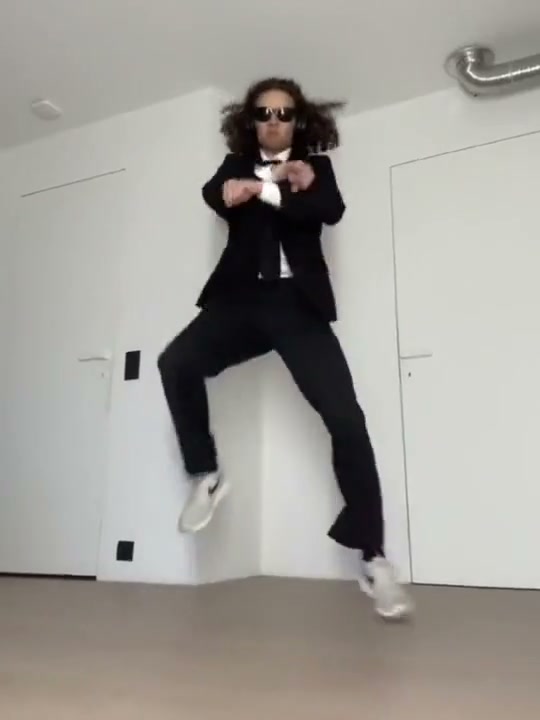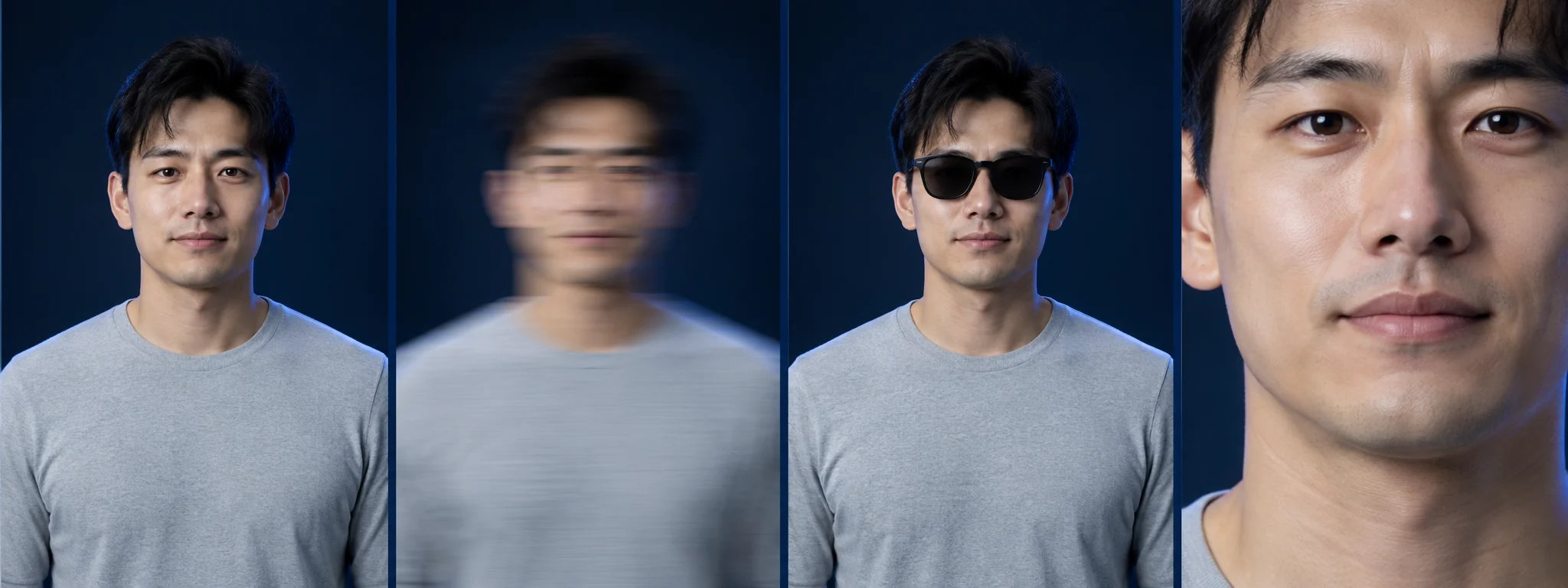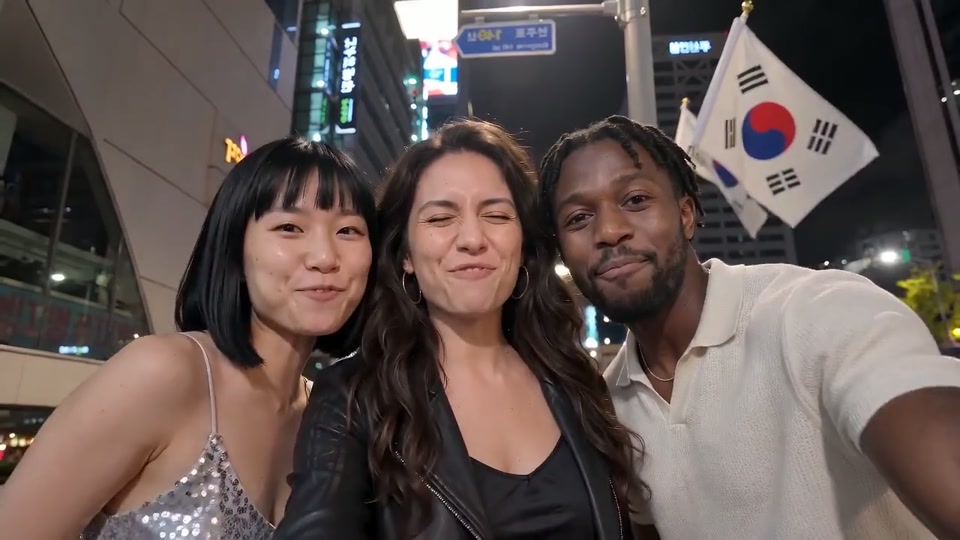
Choose the right scene, prepare each photo and check the finished clip before sharing. Use the exact scene reference and one photo for each identity you replace. No prompt or editing is required in the workflow.
1. Start with the scene, not the name
Gangnam Style can refer to the recognizable horse-dance routine or to a newer night-street template. Watch the full reference first. The same song or search phrase does not mean the camera, movement or number of people will match.
2. Choose the cast and prepare the photos
A solo setup starts with one clear person. A duo or trio needs a separate identity for each role. A pet version needs animal-specific movement and anatomy checks. Use JPG, PNG or WebP files smaller than 5 MB each, and keep faces, ears and limbs inside the frame.
Choose the scene that matches the video you want.
Use this template3. Check the version and final price
Choose 480p ($9.90 / 100 credits) or 720p ($14.90 / 150 credits). Review your selected reference, photo roles and full charge before paying.
4. Review the result before sharing
Watch the full output, including moments when subjects overlap. Check faces, hands or paws, extra limbs, camera cuts and audio. A reference guides the intended action; it does not guarantee identical movement or identity in every frame.
5. Keep the delivery link private
After the finished video is saved, guests and signed-in users receive a private result link by email. Download within 30 days and keep the order link private.
6. Single video: cash payment
Check the full checkout amount and selected output before paying. This is a video purchase, not a credit top-up. A final technical failure enters the original-payment refund flow; bank settlement takes additional time.
7. Account generation: credits
The selected option shows its credit cost separately from the price of a pack. Credits are reserved before submission. Failure or no saved result within 60 minutes returns the spent credits once; the return is not a cash refund.
8. A finished video with a likeness issue
A completed render is different from a technical failure. Keep the order or task ID and request a quality review. Subjective quality concerns are reviewed separately from technical failures; applicable statutory rights remain unaffected.
9. Download and completion email
The service saves the MP4 to private storage before marking it ready, then emails the private result link to guests and signed-in customers. Photos expire after 7 days and results are available for 30 days. Download within that period and keep the link private.
10. Sound and sharing
Audio depends on the selected reference and final offer. A clip with sound is not a license to PSY’s recording. Check the soundtrack before payment. The available soundtrack is shown with the selected option.
Before you create
How many people can I replace?
In a trio scene, add photos to the left, center and right positions. Upload one, two or three photos; positions without a photo keep the reference person. Other references show their own photo slots.
What kind of photos work best?
Use a clear front-facing photo, one identity per role. Each JPG, PNG or WebP must be under 5 MB, with each side 300–6000px and an aspect ratio from 2:5 to 5:2. For the horse dance, include the body and limbs.
Do I need a prompt or editing skills?
No prompt, no editing. The workflow uses your role photos and a fixed scene reference. Choose the matching template, cast and available quality.
Will the video include the original song?
Sound depends on the selected template and available soundtrack. Check the sound option shown before payment.
Ready for your own version?
Open the studio